- The best ATS integrations close gaps you currently patch with spreadsheets, emails, or poor-fit tools: screening, scheduling, HRIS sync, background checks, job distribution, sourcing and CRM, and communication.
- Before buying, look past whether a tool connects and check whether managers will use it, whether interview data syncs bidirectionally, and what support is like when something breaks.
- Choose Willo when early-stage screening is the gap — it ensures structured candidate responses flow back into your ATS so your team can review before deciding who to move forward.
This guide draws on recurring concerns around ATS discussions, pulled from structured conversations with 100+ talent leaders, Reddit discussions, published benchmarks, and vendor documentation. We checked pricing in September 2026, so confirm current details with vendors before buying.
Does this sound familiar? You open your ATS to review a candidate, then switch to a spreadsheet to add context. To book their interview, you check your calendar and start an email thread. By the time you’ve moved one candidate forward, you’ve worked across several tools and copied information between them.
If that tool-toggling sequence sounds familiar, the right ATS integrations can help. None of those steps are difficult on their own, but repeating them for every candidate quickly becomes a drag.
As one recruiter on r/RecruitmentAgencies put it, “ATS never covers everything; everyone still hacks it together with email and sheets.” Scheduling takes 38% of recruiters’ time, according to GoodTime or five hours per hire, as reported by Asbhy.
In my experience, that’s true, even for teams with a solid ATS. The system isn't the problem; the gaps around it are, and the spreadsheets, inbox rules, and smaller tools filling them take up real recruiter time.
If your ATS still leaves you copying data, chasing updates, and coordinating interviews by email, this guide is for you. We cover seven ATS integrations that can reduce that work, with recommended tools and alternatives for each use case. You’ll also learn what to check before buying, so you can choose a connection that improves your day-to-day workflow.
Here’s what you’ll learn:
- Which integrations address the work your ATS leaves you doing manually.
- Which tools and alternatives fit your recruiting needs.
- Six questions to ask before choosing an integration.
Our top tool recommendation for each ATS integration – at a glance
Which ATS integrations will make a difference for your team?
The fact that an ATS sync exists doesn't make it worth exploring. It only becomes relevant to your team when it does one or more of these:
- It prevents manual re-entry, so your team doesn’t have to enter the same candidate information in multiple systems.
- It stops data from getting lost between systems, meaning critical candidate records stay in a single interface rather than being scattered across separate tools, spreadsheets, or inboxes.
- It ensures complete hiring evidence, so recruiters or hiring managers don’t have to decide who to progress without sufficient candidate context (from video interviews to CVs, work samples, portfolio links, and more).
An integration can remove a manual task without giving the hiring team any better information to work with. That’s why the seven integrations we cover in this guide don't just connect to an ATS; they address real, recurring gaps in hiring workflows.
Key criteria to consider before choosing an integration for your applicant tracking system
Beyond compatibility, the questions and concerns that have often come up in our conversations with talent leaders on what truly determines whether an integration works fall into six categories:
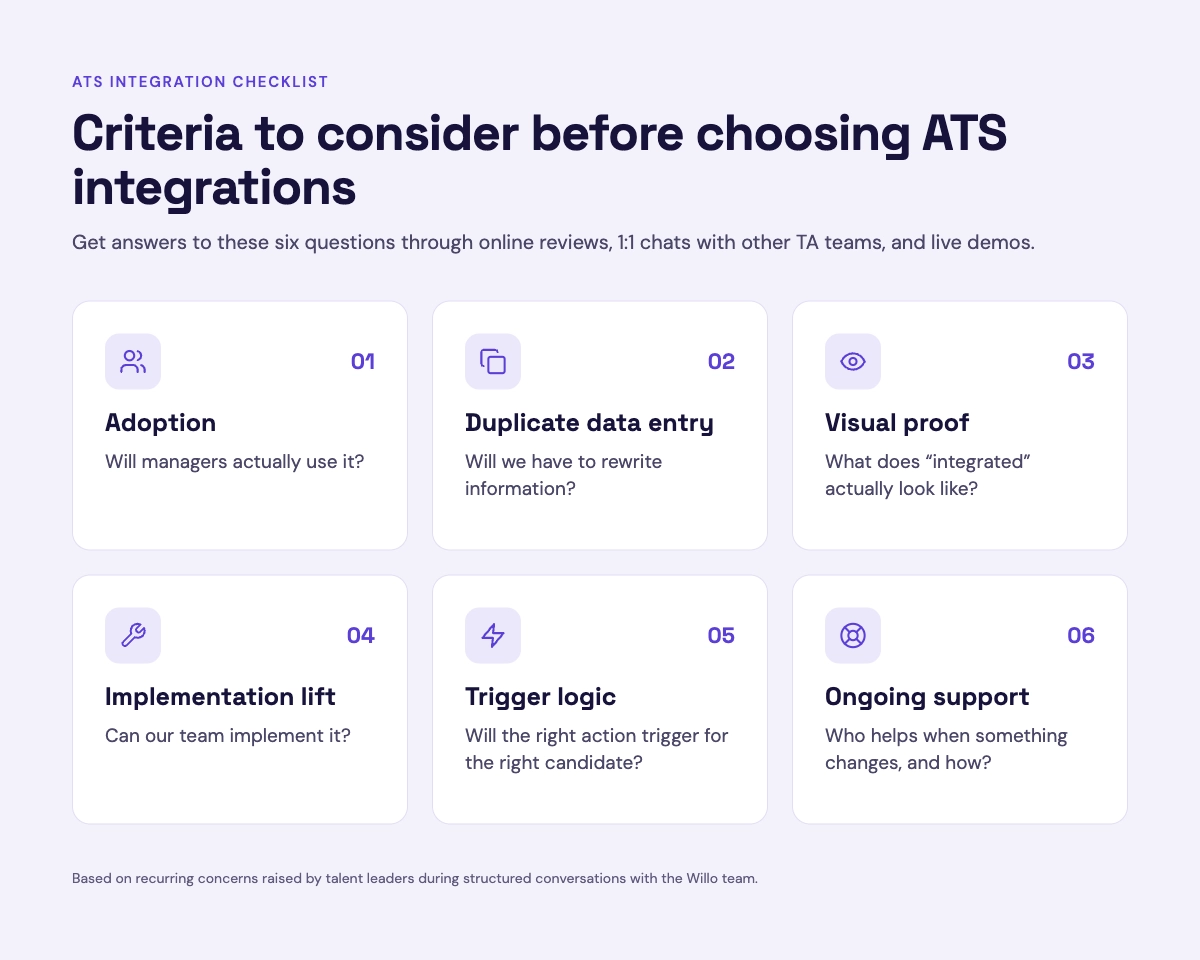
- Will managers actually use it? This is one of the most common concerns recruiters shared with us, and the underlying issue is often “dual maintenance”. Hiring managers update candidate statuses in the ATS, then have to log into another tool to review those same candidates. Before committing to a tool, confirm that managers can review candidates without a separate login (through single sign-on or review links) and whether accounts provision automatically.
- Will we have to rewrite information? Few teams phrased this as a fear, but nearly all described living it. They export CSVs into Google Sheets to stitch metrics together, cut and paste resumes and video links into client portals, and email assessment links manually.
If your team still re-keys ATS data, the integration is only half built. Find out which fields sync automatically and which still need a human.
- What does "integrated" actually look like? A vendor may call something integrated because a link appears in the candidate profile. That’s very different from a two-way sync that brings video responses, scores, or transcripts into the ATS.
So, ask to see exactly where the information appears and whether managers can review it without leaving the ATS. Ideally, see it working in your own ATS rather than on a sales deck.
- Can our team implement it? Even when setup is no-code, teams worry about IT bandwidth and having to re-engage security and legal to keep the integration compliant.
Specifically, one legal counsel we spoke to mentioned that future integrations would need the security team involved again. So before buying, verify who’ll handle the setup, including internal bandwidth and approvals.
- Will the right action trigger for the right candidate? One popular platform lead raised this concern. His team’s candidate screening covers several assessment types, so connecting integrations at that stage could send the same invite to every candidate who reaches it, including those who shouldn't get one.
The takeaway: Broad stage triggers can send the wrong invite to the wrong candidates. When evaluating options, check that you can map triggers to a specific requisition or role, not just a stage.
- Who helps when something changes, and how? Issues can come up on either side. A candidate might have trouble with a link, camera, or microphone, while your team may encounter a sync failure it can’t troubleshoot. Find out who provides support, how you can reach them, and if candidates get enough support too.
Keep these six considerations in mind as you work through the integrations below. They apply whether you’re connecting a screening tool, scheduling platform, HRIS, or other tool.
The 7 most important ATS integrations for recruiting teams (plus example tools to explore)
No ATS handles every part of recruiting. These seven integrations fill the gaps that otherwise make recruiters jump between tools, chase updates, and re-enter the same information.
1. Structured candidate screening & assessment integrations
A convincing CV can leave you without enough evidence to decide who should progress through ATS screening. That’s where a dedicated screening integration helps: you can collect structured candidate responses and review them against consistent criteria. But the connection needs to return evidence your team can actually access. Here’s how Willo connects that screening stage to your ATS.
Willo: Best ATS integration for structured candidate screening & assessment
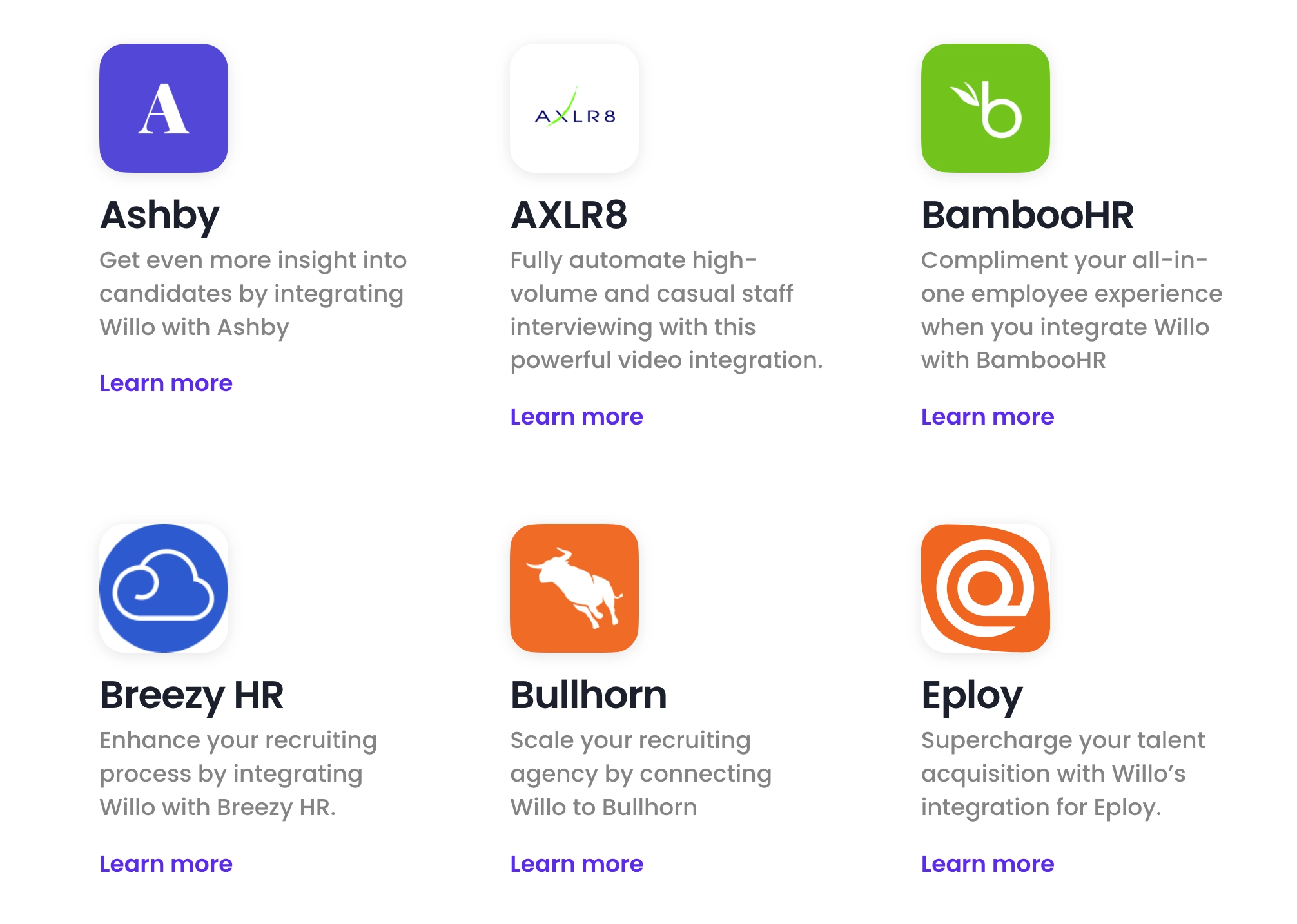
Willo connects natively and bidirectionally with 50+ ATS tools, including Greenhouse, Lever, Ashby, and Workday. Integrately, Zapier, and Willo’s OpenAPI also enable over 5000 other tool integrations, including various CRMs, HRIS apps, communication platforms, and more.
With Willo, you can set up async interviews and invite candidates to complete them, transferring their responses straight to your ATS of choice (e.g., Greenhouse) once they do. You can then update their application status and follow up with them in the ATS, without switching to the screening tool just to decide whether to advance a candidate.
Willo supports multimodal responses, including video, audio, text, multiple choice, and file uploads, so your ATS record carries communication style, written ability, and portfolio work, not just a CV and timestamp. It also summarizes responses and flags proficiency signals against your preset hiring criteria so you can make the final call.
User reviews
Pros
- Gives recruiting teams stronger evidence: By empowering recruiters to collect work samples and portfolios through file uploads, plus video, audio, and text-based interview responses, Willo surfaces in-depth candidate insights beyond conventional resumes.
- Boosts recruiter productivity and speeds up time-to-hire: Using Willo’s ATS integrations, EDF cut recruiter admin time by 50%, Travelxp reduced screening time from 45 to 15 minutes, and Madison Reed cut time-to-hire by 50% while doubling candidate response rates.
- Matches existing TA workflows: Through native and third-party integrations, you can connect Willo to the ATS, CRM, and other HR tools you already use, so there’s no need to overhaul your entire process to accommodate it.
- AI assists, but final hiring calls stay human: Willo’s AI surfaces and summarizes relevant evidence from interview responses so hiring managers and panels can review them and decide who to advance.
- Offers round-the-clock support for both recruiters and candidates: If you or your applicants have any challenges setting up and completing interviews, the Willo team is available 24/7 to help out.
- Supports candidates across devices: Willo interviews are accessible across devices (mobile, desktop), operating systems (Mac, Windows), and browsers (Chrome, Safari). The platform also supports 18+ languages, supporting global candidate participation.
Cons
- No two-way interviews: Willo is built for one-way screening, so you might still need another tool for live interviewing.
- Not built for fully automated hiring: Willo helps structure responses, but it’s up to you to review all the evidence and make hiring decisions yourself.
Pricing
Willo offers two main pricing tiers:
- Lite: $59/live role, best for occasional recruiting cycles
- Enterprise: Starts at $3,799/year, a fit for teams that are always recruiting
Willo also offers a 50% discount to verified NGOs and a 14-day free trial for testing the tool before committing.
Why teams choose it: Willo gathers strong hiring evidence, with the most useful data syncing directly into connected ATS tools for faster, more confident talent acquisition.
Other ATS integrations for structured candidate screening & assessment
- HireVue: Consider HireVue if you need role-specific assessments for a large enterprise hiring process. That fit depends on having the budget and resources for implementation support. Before committing, ask to see how assessment results appear in your ATS and what reviewers can access from the candidate record.
- Spark Hire: Spark Hire may suit you if you want an ATS and candidate screening in one product. If you already have an ATS, though, some of that functionality may overlap with what you pay for today. Compare the screening connection itself and decide whether the broader package fits your existing setup.
- Qualifi: Qualifi is an option if you prefer a phone-based first round, with transcripts and summaries returned to your ATS. That gives reviewers a record of the conversation to use alongside the application. Check which information reaches the candidate profile and how your team accesses it before choosing the connection.
Want to compare candidate screening ATS integrations across even more categories? See our analysis of the top AI screening software by ATS compatibility, or this guide to video interview software solutions with ATS integration.
2. Interview scheduling connections
Coordinating candidates, interviewers, and time zones over email creates more work with every booking or reschedule. Connecting a scheduling tool to your ATS can reduce that back-and-forth, but you need confirmed bookings and changes reflected in the candidate record. For teams managing panels and frequent reschedules, that coordination is especially important. GoodTime is one option for bringing those steps together.
GoodTime: Best ATS integration for interview scheduling
GoodTime helps employers coordinate interview logistics, from panels to interviewer load balancing and rescheduling. It then syncs outcomes straight into the team’s ATS so every hiring manager and panelist can view updates from one place.
The app also gives recruiters AI-powered insights that help them identify top candidates after every interview, cutting time-to-hire without dropping hiring quality.
User reviews
Pros
- Connects scheduling with ATS platforms like Greenhouse, Lever, and Ashby.
- Provides AI agents that automate interview coordination with minimal oversight.
- Reliable 24/7 customer support that helps prevent breaks in the hiring process.
Cons
- Initial setup and configuration can get complex and time-consuming.
- Users sometimes face technical issues like app crashes and glitches.
- Occasional calendar sync errors.
Pricing
Contact Goodtime directly or book a demo to get a quote.
Why teams choose it: Goodtime makes interview scheduling easy and efficient, particularly during high-volume hiring cycles.
Other ATS integrations for interview scheduling
- Calendly: Consider Calendly when you mainly need candidates to book straightforward one-to-one interviews. More complex panels may require additional coordination, so start by checking the scheduling demands of your roles. Then confirm how bookings and reschedules reach your ATS, including any steps your team will still handle manually.
- Paradox: Paradox may suit high-volume hiring where candidates expect quick, text-style responses. If that matches your process, assess the scheduling connection as part of the candidate conversation. Ask how bookings, changes, and exceptions return to your ATS so your team can follow the process without piecing together updates.
- Willo: If you already screen candidates with Willo, its live-interview scheduling option may fit the handoff after shortlisting. You would still use another tool to run the live interview itself. Before relying on that workflow, confirm how invitations, bookings, and updates connect to your ATS and calendar.
3. HRIS sync
Once you hire someone, their information needs to move from your ATS into onboarding, payroll, and employee records. An HRIS integration reduces the copying involved, but missing fields or mismatched records can leave you correcting the handoff manually. That makes field mapping and a clear process for resolving errors part of the setup. With those requirements in mind, consider Workday.
Workday: Best ATS integration for HRIS
Workday is a widely used HRIS and human capital management platform. While it can seem complex at first glance, the app works best for recruiters who plan field mapping and integration triggers up front to avoid issues later.
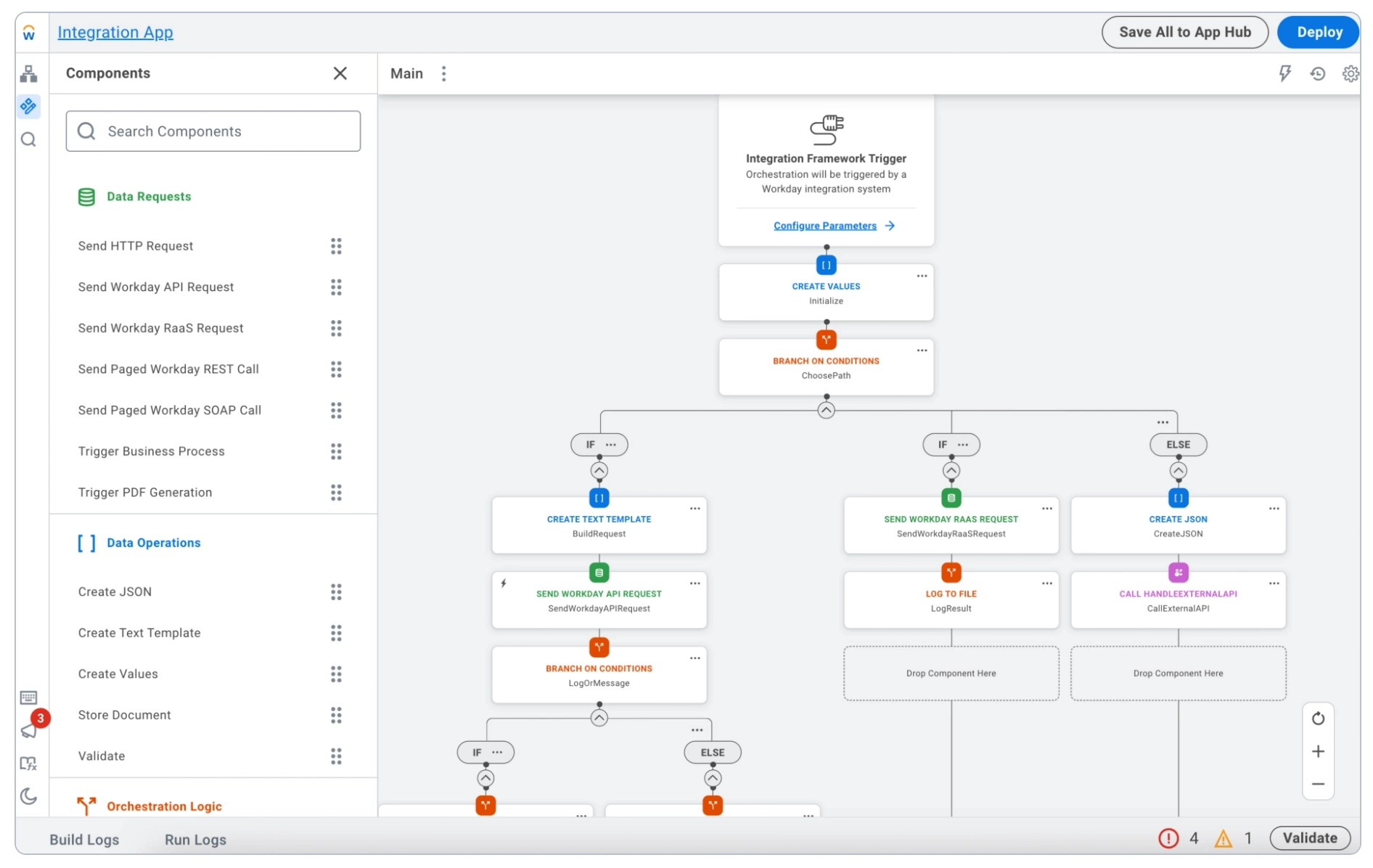
For more on how to make the most of the enterprise AI platform, see our shortlist of 6 of the most powerful Workday integrations for HR teams. Beyond people ops, Workday also supports finance and IT teams with financial management, payroll, operations, and more.
User reviews
Pros
- Offers an HR platform that supports employee self-service.
- Unifies HR admin tasks and other HCM aspects like payroll, talent management, and time tracking into one streamlined system.
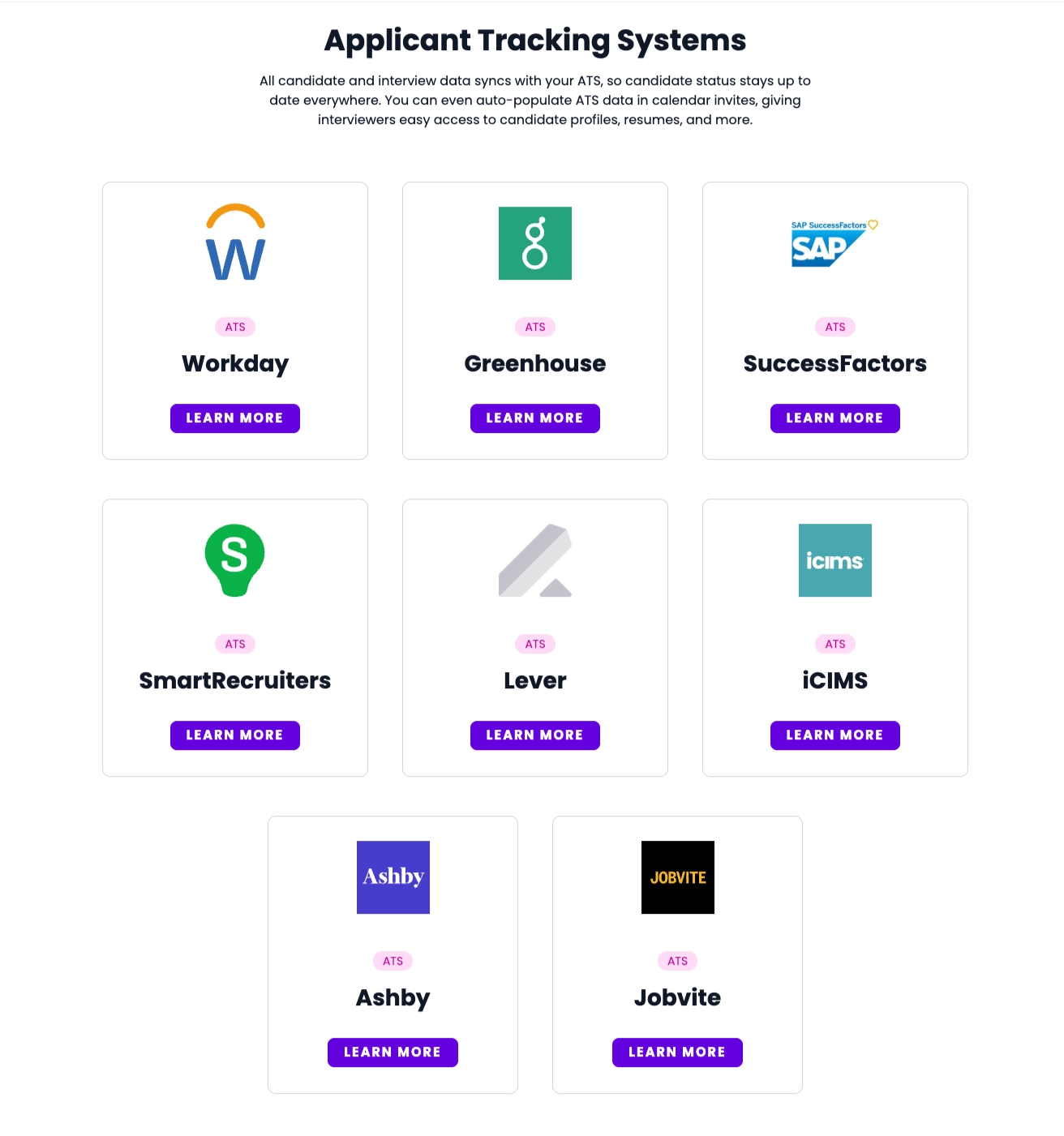
- Offers a native ATS and also integrates well with others like iCIMS and Fountain.
Cons
- Candidate ranking factors are somewhat unclear and not fully defensible.
- Confusing UI limits the user experience for some.
Pricing
Workday offers an Adaptive Planning pricing structure based on employee count, deployment complexity, module add-ons, and usage duration. Contact the team for a custom quote.
Why teams choose it: The robust HRIS/HCM platform supports employee lifecycle management, from recruiting to payroll, compensation, talent development, and more.
Other ATS integrations for HRIS
- BambooHR: Consider BambooHR if you’re evaluating HRIS options for a smaller or mid-size team. Check the cost and setup against the employee information you need to transfer after a hire. Ask the vendor to demonstrate your required field mapping so you can see what transfers and what still needs manual entry.
- UKG: UKG is worth considering if you need HR alongside scheduling and workforce management. Those requirements make the handoff from applicant to employee record an important part of your evaluation. Check which ATS fields transfer into the setup you plan to use and who will handle mismatches when they occur.
4. Background check integration
Exporting candidate details, submitting a background check, and copying the result back adds work to late-stage hiring. Connecting your provider to the ATS can reduce those steps, provided you can request checks and follow their progress from the candidate record. Before choosing one, confirm how consent and results are handled wherever you hire. Checkr is one provider to consider for that connection.
Checkr: Best ATS integration for background checks
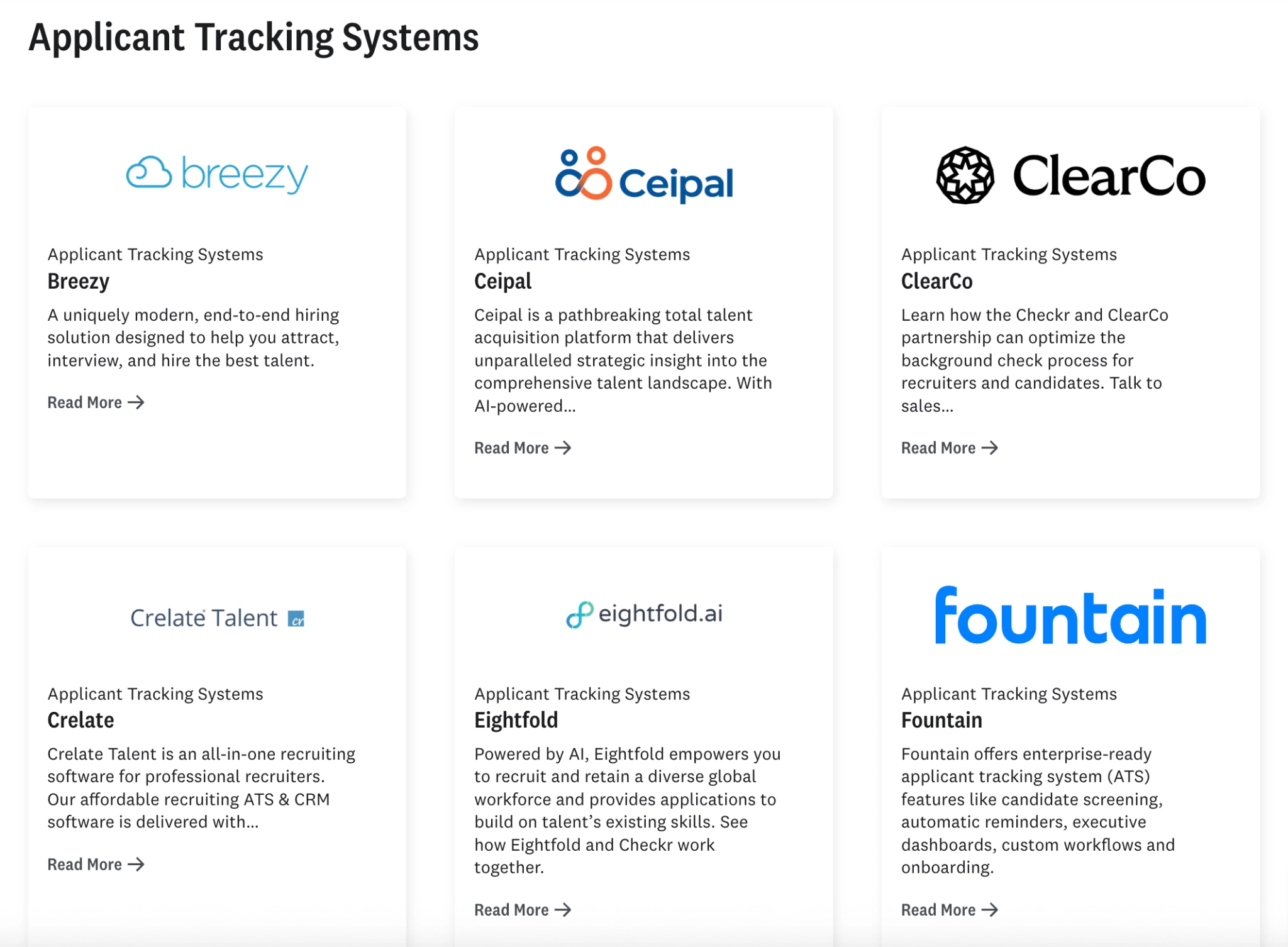
Checkr is an AI-powered verification platform that enables efficient background checks. It’s fast and easy to sync with leading ATS systems like Breezy and ClearCo, and it combines AI with human experts to ensure accurate, compliant reports.
User reviews
Pros
- Offers simple, straightforward integrations to 20+ ATS tools, including Paylocity.
- Supports standard, criminal, education, employment, international, and social media background checks.
- Fast turnaround times that reduce compliance risks for hiring teams.
Cons
- The app experiences occasional service interruptions.
- HR teams can’t upload documents for new hires when they run into technical issues.
- Not always easy to find items on the webpage.
Pricing
Checkr offers four pricing plans:
- Basic: $29.99/report
- Essential: $59.99/report
- Complete: $99.99/report
- Enterprise: Sales-led based on your specific hiring requirements
Other ATS integrations for background checks
- Sterling: Consider Sterling when your hiring process needs background checks across borders. Start with the countries and check types you require, then examine how the connection fits your ATS workflow. Ask where your team will see progress and results, and who handles a check that needs further attention.
- HireRight: HireRight is an option to assess if you recruit in regulated sectors. Your evaluation should start with the checks and documentation your organization requires, then move to how the ATS connection supports that process. Confirm what information returns to the candidate record and how your team handles exceptions.
5. Job board & application distribution platforms
Posting jobs through your ATS saves you from entering the same details on multiple boards. But that connection also needs to bring useful information back when someone applies, including answers to your screening questions. Since the data returned can vary by connection and plan, check what reaches the candidate record before committing. LinkedIn is one option to explore for distributing your roles.
LinkedIn: Best ATS integration for job board & application distribution
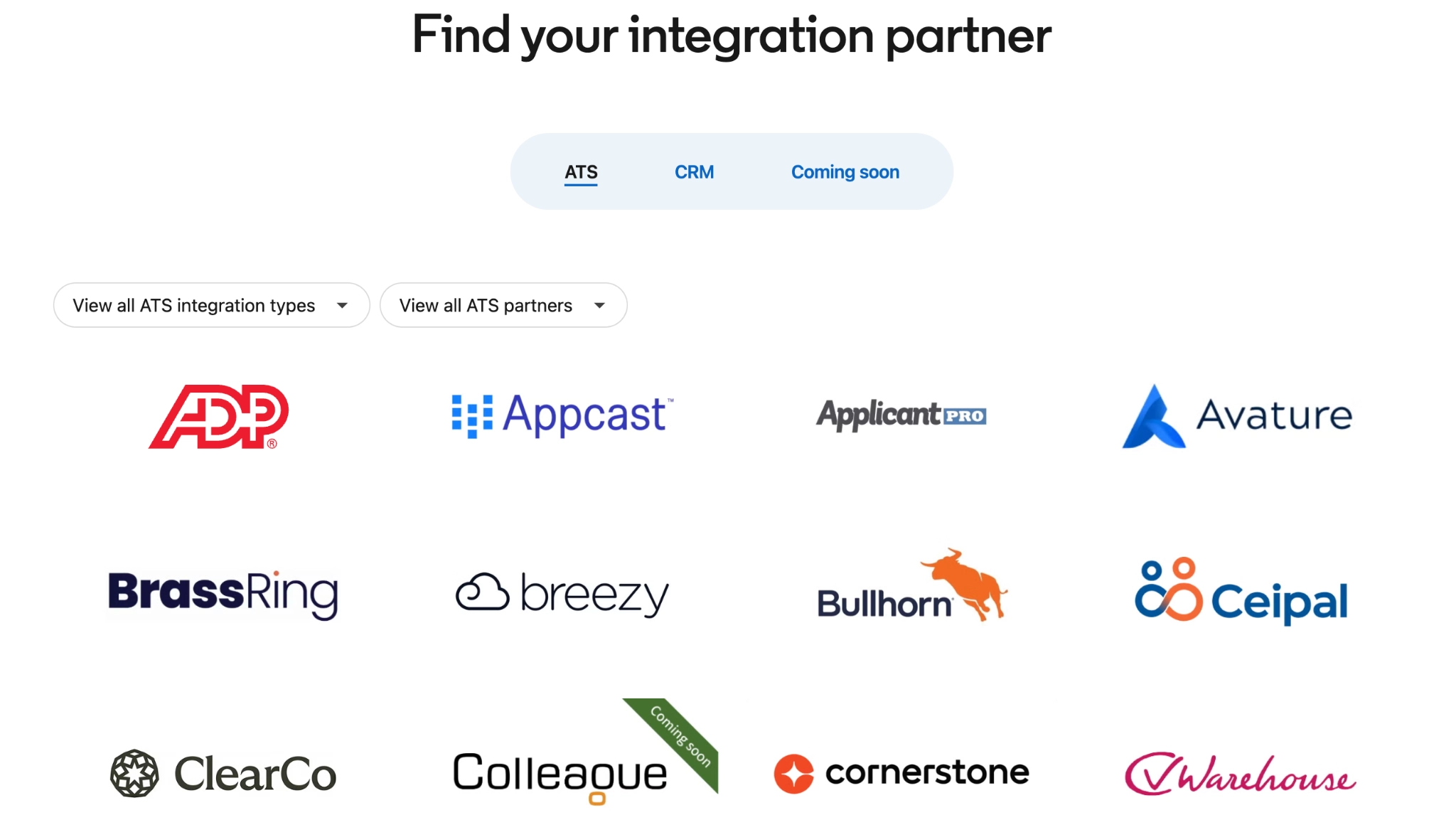
LinkedIn is a leading job board and distribution platform with extensive reach and profile depth. You can search for candidates globally and filter by the expertise needed for a role.
User reviews
Pros
- Easy to use, with precise targeting and advanced search filters for discovering qualified talent.
- Enables ATS sync that lets you view real-time candidate details and share feedback with team members without constant tool-toggling.
- Company pages and team member profiles help showcase team values, boost employer branding, and attract top candidates.
Cons
- InMail limitations can restrict outreach.
- Lacks a sourcing filter for visa status.
- Search results sometimes include false positives (candidates that look good at first glance but are actually not fully relevant to the role).
Pricing
LinkedIn offers various usage tiers for individuals and recruiters, but here are a few of the top options worth exploring:
- Free (limited connections and InMails)
- LinkedIn Premium: Starts around $39.99/month
- LinkedIn Recruiter: Starts around $199.99/month
Some ATS platform subscriptions also cover job distribution via LinkedIn, e.g., Greenhouse and Lever.
Other ATS integrations for job board and application distribution
- Indeed: Indeed may suit high-volume teams looking to broaden applicant reach. If you use custom screening questions, check whether their answers return to your ATS on the plan and connection you’re considering. Otherwise, a candidate may complete those questions while your team still has to retrieve the answers separately.
- Glassdoor: Consider Glassdoor when employer reputation plays a role in attracting applicants. Candidates can read company reviews and accounts of past interview experiences alongside their job search. For the integration itself, check how your jobs and applications connect to the ATS so you understand what the connection adds to your distribution setup.
6. Sourcing & CRM apps
Sourcing tools help you reach people who haven’t applied, but importing them can create duplicate records in your ATS. A useful connection should match existing profiles and keep candidate details and outreach history together. Before setting it up, check how it handles conflicting information so your team can follow one record. Gem is one option for connecting that sourcing activity.
Gem: Best ATS integration for sourcing & CRM
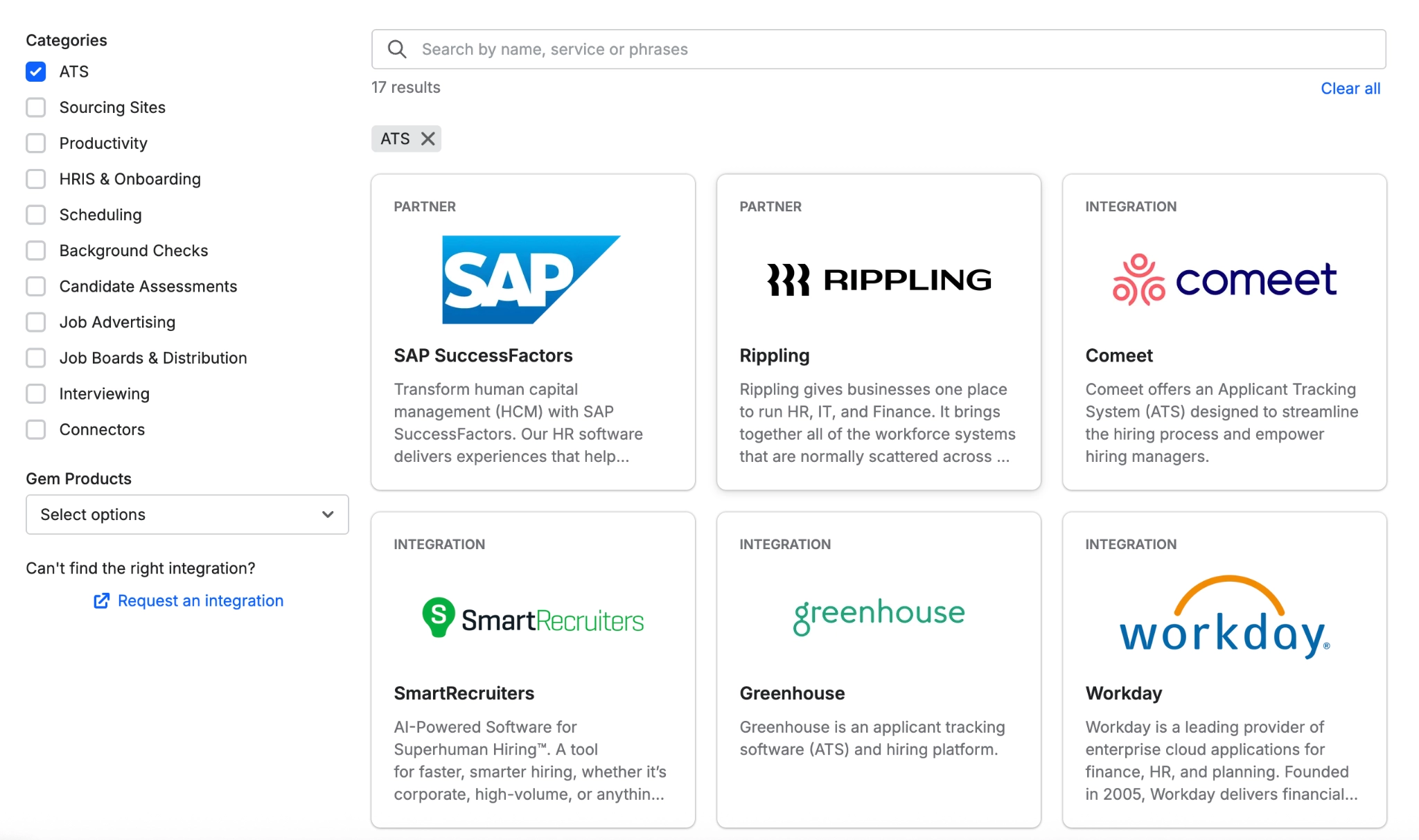
With Gem, you can connect sourcing activity to your ATS records. Its AI sourcing agent simplifies candidate search and discovery, and while Gem offers its own native ATS, it also connects to several third-party applicant tracking tools.
User reviews
Pros
- Supports up to 17 ATS integrations, including Rippling, Recruitee, Teamtailor, and Bullhorn.
- Enables round-the-clock sourcing from across 800 million profiles with accurate contact information.
- Lets you search for specific types of candidates in your own words; no Boolean search limitations
Cons
- Some pages load slowly when managing large candidate lists.
- Occasional delays in data sync and reporting updates.
- UI/UX design can feel cluttered when navigating large-scale sourcing campaigns.
Pricing
Contact sales for pricing information.
Other ATS integrations for sourcing & CRM
- SeekOut: SeekOut is worth considering for senior, technical, or local roles where you need to reach passive or hard-to-find candidates. Once you identify someone, the next question is how their information enters your ATS. Check whether the connection matches an existing profile and what happens when the two records contain different details.
- hireEZ: Consider hireEZ if your team needs candidate search and outbound recruiting. Evaluate the ATS handoff alongside the search process, since finding someone is only the first step. Ask what candidate information and outreach activity transfer, and how the connection avoids creating another profile for someone already in your database.
7. Communication tools
If hiring managers already coordinate work in chat, ATS notifications there can help them keep up with approval and feedback requests. But sending every update can bury those requests in routine alerts, so the connection needs controls over what gets shared and where. Start with the actions your team needs to take, then configure notifications around them. Slack is a practical starting point if you already use it.
Slack: Best ATS integration for communication
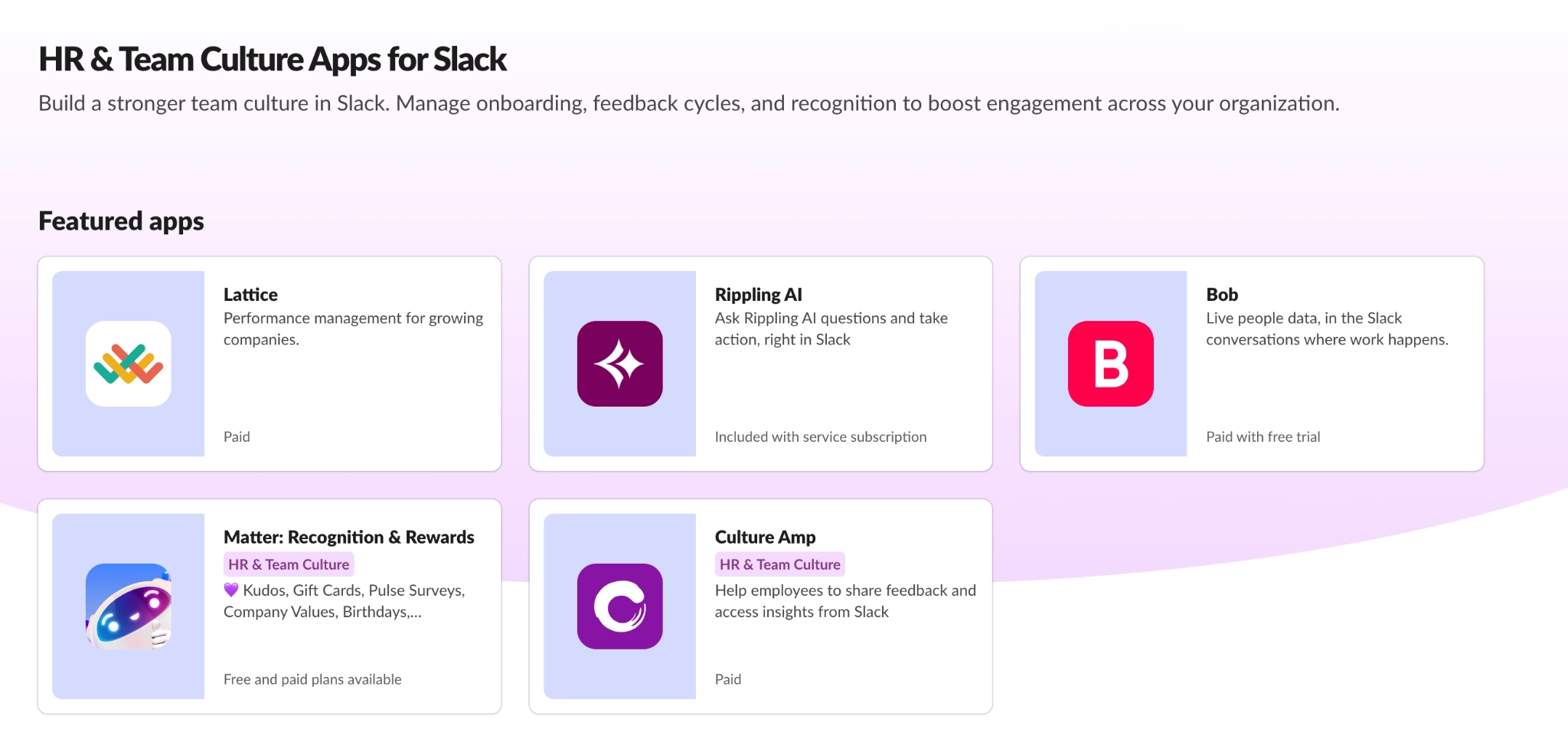
If your team already works in Slack, you can bring ATS updates into the channels they use. Its ATS integrations, like HiBob and Greenhouse (plus the other HR and team culture app syncs it supports), help automate hiring, onboarding, feedback, and recognition workflows across organizations.
User review
Pros
- Automates real-time alerts within preset Slack channels when candidates apply, complete interviews, or move between stages.
- Empowers recruiters to share feedback that syncs directly into ATS systems through Slack threads right after a call, so they don't have to hop between platforms.
- Enables auto-reminders for upcoming interviews or pending tasks to avoid going off track.
Cons
- Hiring managers can miss replies started within individual threads or the main body of messages.
- Notifications for in-thread replies aren’t always consistent across desktop and mobile, so it requires some level of double-checking.
- Difficulty searching for information within unarchived channels.
Pricing
Slack offers a Free plan with up to 10 app integrations. Pro costs $7.25 per user/month billed annually or $8.75 billed monthly, with unlimited app integrations. Business+ costs $15 per user/month billed annually or $18 billed monthly; Enterprise+ requires a custom quote. Check Slack’s pricing page and your ATS vendor’s connector requirements before choosing a plan.
Other ATS integrations for communication
- Microsoft Teams: Start with Microsoft Teams if your organization already works in Microsoft 365. Bringing ATS updates into that environment may fit your team’s habits better than adding another communication tool. Check which notifications and actions your ATS connection supports, then choose where approval and feedback requests should appear.
- Email digests: Email digests may work better if your team prefers a batch of updates to a stream of alerts. The trade-off is timing, so decide which requests can wait and which need immediate attention. Keep candidate feedback in an agreed location so decisions don’t depend on finding replies across separate email threads.
Best practices before you turn on a new ATS integration
An integration can work perfectly in a demo and still create issues once it’s connected to your recruiting workflow. These four habits, adapted from Tracker-rms's governance checklist, prevent most problems.
- Define field mapping and required fields before go-live: Decide where each piece of information should live before the integration starts moving data. Agree on required fields, too. If both systems treat the same field differently, you want to catch that before candidate records start flowing between them.
- Assign someone to resolve stage conflicts: When two systems disagree about a candidate’s stage, someone needs to decide which system is correct. Give that responsibility to a specific person rather than leaving it for the team to sort out as problems appear.
- Set your deduplication rules with a primary match key: Be clear on how the integration should identify an existing candidate before you connect the systems. Choose a primary match key and establish what should happen when the same person appears in both systems.
- See the integration working in your ATS: Don’t rely on a slide showing how the connection is supposed to work. Ask the vendor to demonstrate it in your actual ATS instance, using the fields, stages, and workflow your team will use. It's the best defense against the vague-definition problem from our six questions.
Connect the gaps in your recruiting workflow
From what I’ve observed over the years, most recruiting teams don’t need that much more software; they need the tools they already use to work together.
With candidate information scattered across ATSs, spreadsheets, calendars, and inboxes, recruiters often patch the gaps manually. So before adding another integration or trying to make your existing ones work better, look for where that data fragmentation friction shows up most.
It could be entering the same candidate details twice, chasing hiring managers for updates, or digging through email to schedule interviews. Switching systems to find screening results, or making decisions without enough information, are also problems worth fixing.
Also, when evaluating an integration, look beyond the feature list or how quickly the tool claims it can help you shortlist. An automated process can move candidates faster without improving decision quality. But structured screening responses, reliable scheduling records, and consistent evaluation data give recruiters something more useful: better information.
So, ask:
- Will hiring managers actually use it?
- Does it remove duplicate work?
- What information moves between systems?
- Can my team set it up and maintain it?
- What happens when something breaks?
The answers to these questions will help narrow down your options pretty quickly, and you can make final picks that actually improve your recruiter workflows significantly.
If screening is where your process is bleeding time, explore Willo’s integrations or book a live demo directly to see how candidate responses can feed back into your existing recruiting system.